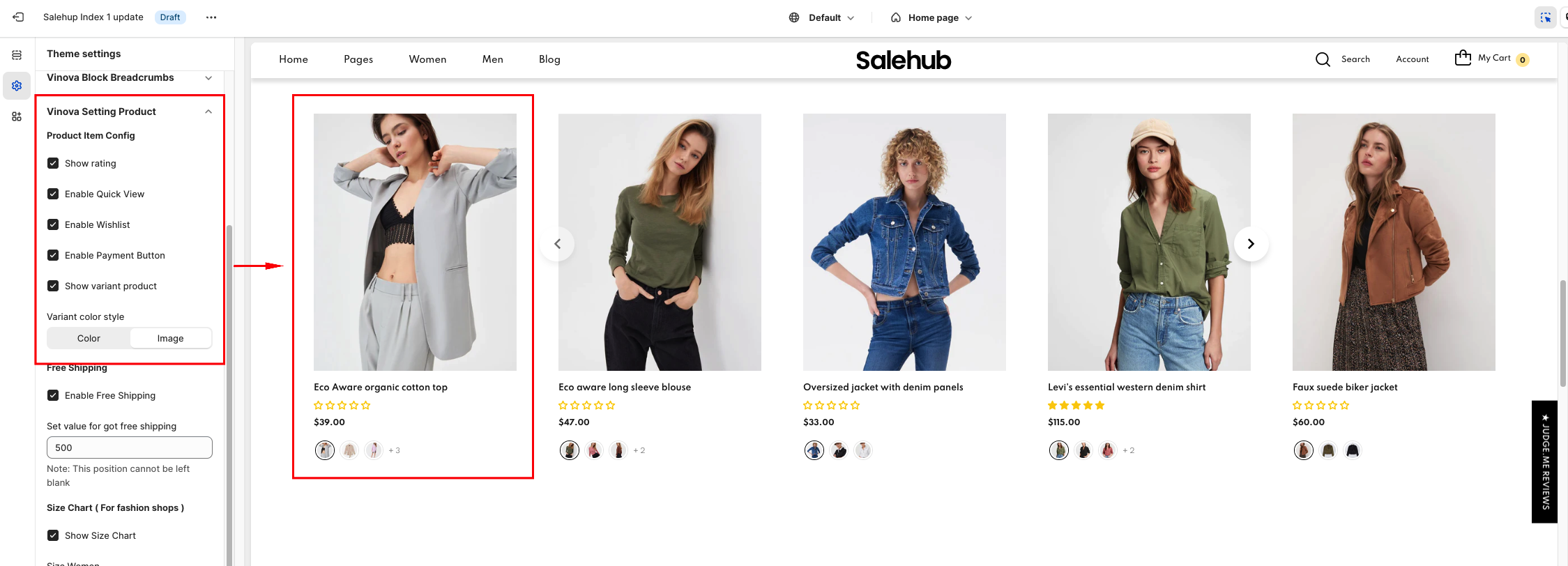
Product Element Settings
Customizing the Product element has never been easier! With just a single click, you can personalize it to your liking. You have the option of adding borders, changing the border radius, and enabling/disabling specific elements of the Product that you may not require to be displayed. There are numerous customization options available for you to explore and create a unique experience. So, go ahead and try it out!
From "Theme Settings", click tab "Vinova Setting Product"
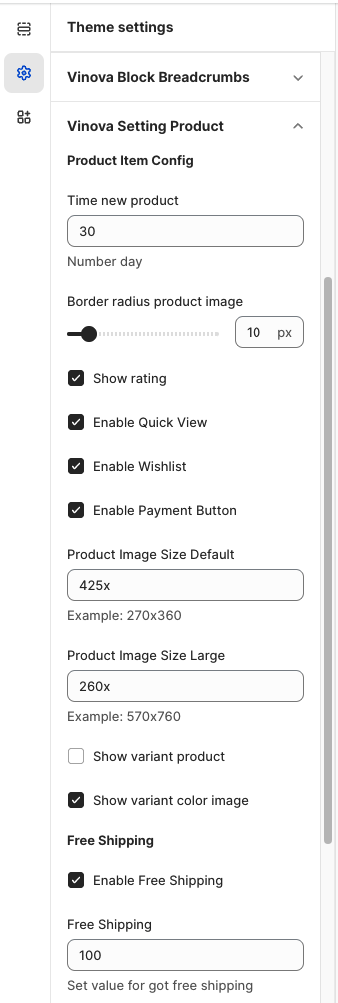
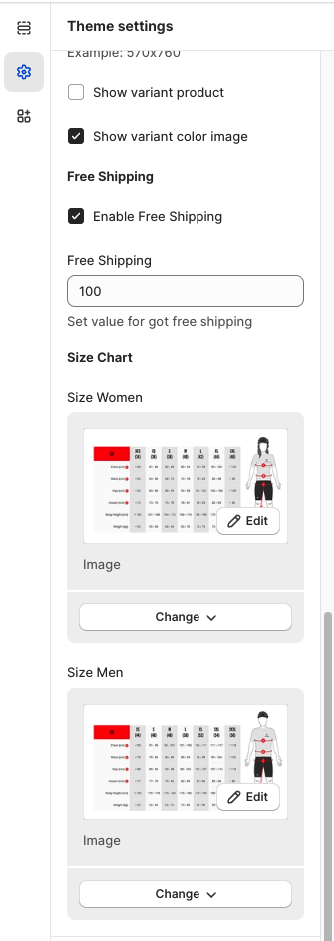
The settings in this Section affect the elements of the Product item on the home page, and collection page and some affect the Product Detail page.